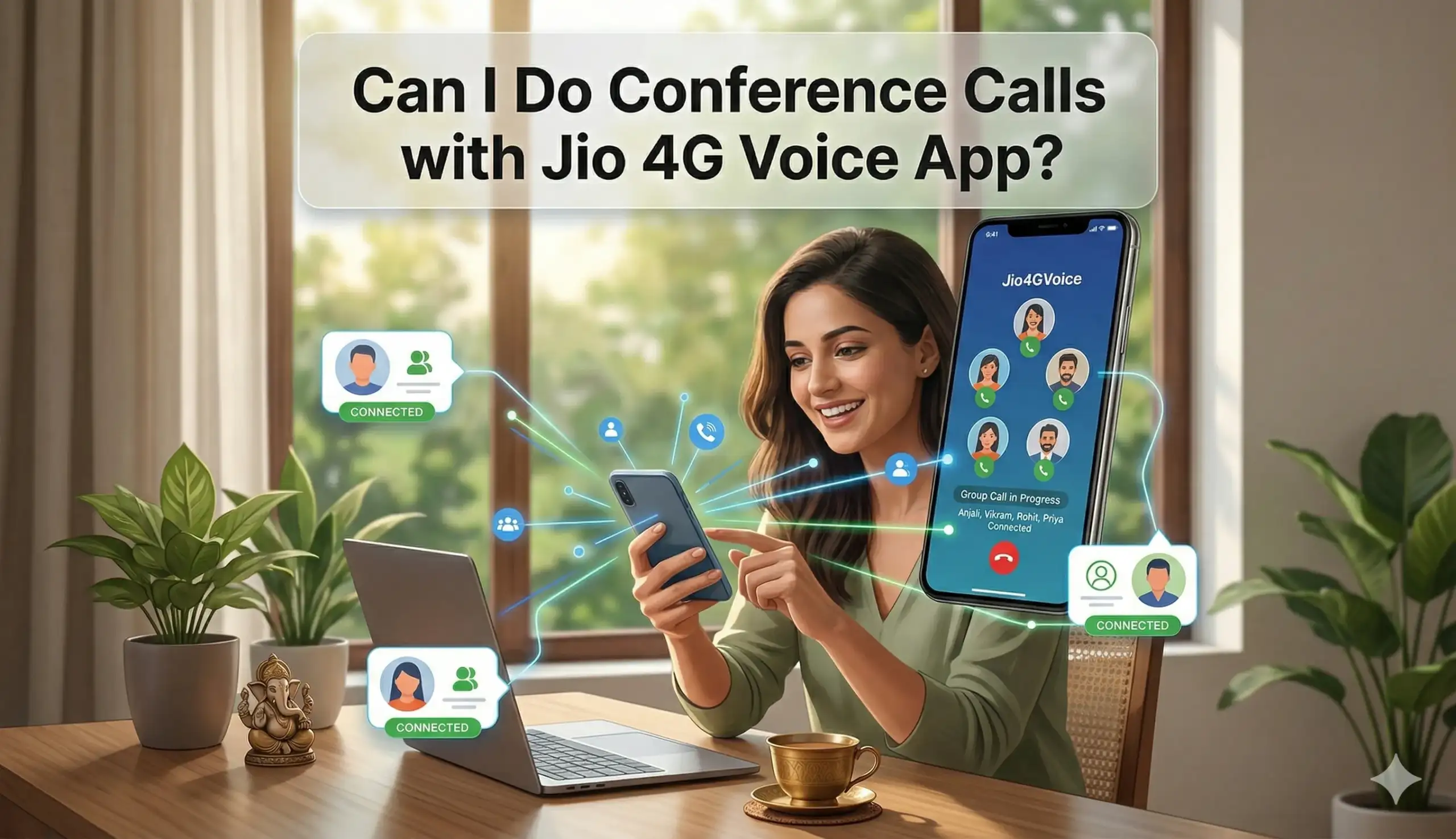
Nowadays, conference calls are crucial in the business meetings, family meetings, team meetings, and even in collaborating remotely due to the fast pace in the modern world. As one of the biggest telecom operators in India, Reliance Jio provides the Jio 4G Voice app (officially renamed to JioCall) to allow high-definition (HD) voice and video calls on 4G/5G data networks. It is especially beneficial in older phones that do not support VoLTE by default, in feature phones that use JioFi, or users who want to make calls that are consistently of higher quality than data.
The question most of the Jio users pose is: Can I make conference calls using Jio 4G Voice app? The succinct and to the point answer is yes. JioCall (previously Jio4GVoice) application is capable of supporting in full multi-party audio and video conferences calls. You have the ability to have up to 6 participants (1+5) in audio conferences and 4 participants (1+3) in video conferences. This functionality is supported perfectly on the Jio network, providing crystal-clear HD quality without additional applications and subscriptions. It is a pre-activated service on every Jio customers.
It is now easy to make calls to groups and it can be done at a low price whether you are a small business owner and have to coordinate with clients, a student with an organized group study session or just with your family in different cities, the Jio 4G voice app makes it easy to make group calls. The calls consume your existing Jio data balance or Wi-Fi and no extra charges are included in addition to the regular voice rates (which are typically zero-rated or included in most Jio plans).
Why Use Conference Calls via Jio 4G Voice App?
Conference calling used to be costly, either because of the use of landlines or third-party applications that cost a subscription fee. The solution by Jio does away with that. The app transforms your 2G/3G/4G phone into a full-fledged VoLTE phone, with HD-voice/video and group calls to any mobile/landline number in India (local or STD). It also operates abroad in most instances. The quality of calls is also reported to be excellent even in places with moderate network coverage provided that you have a steady 4G/5G data connection.
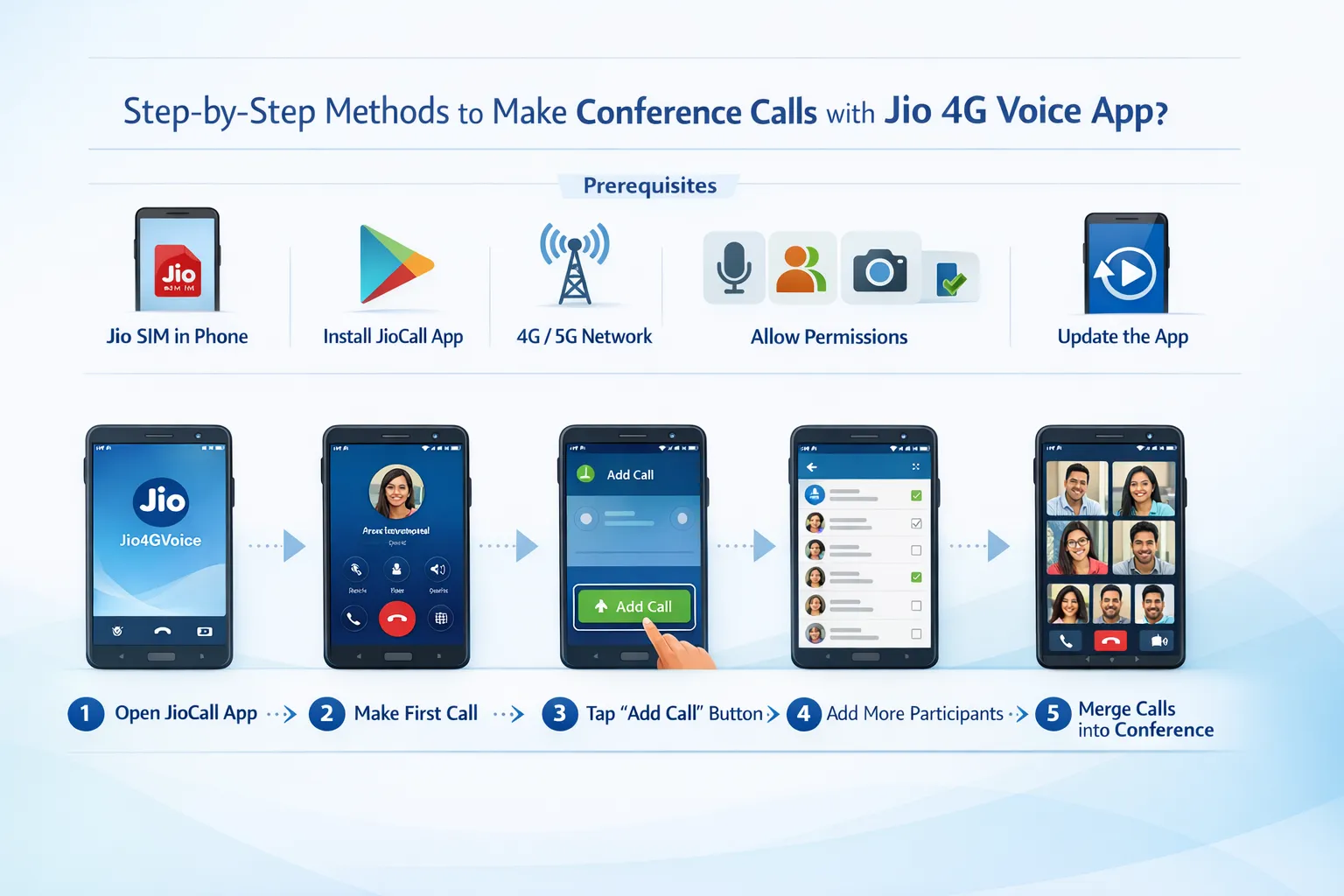
Step-by-Step Methods to Make Conference Calls with Jio 4G Voice App
Here is a detailed, easy-to-follow methods list to get you started. These steps are based on the latest app interface (as of 2026) and official Reliance Jio guidance.
Prerequisites:
- A valid Jio SIM inserted in your phone.
- The JioCall / Jio 4G Voice app installed from Google Play Store (search for “JioCall” or “Jio4GVoice”).
- Stable 4G/5G internet connection (Wi-Fi also works).
- App permissions for contacts, microphone, and camera granted.
- Update the app to the latest version for best performance.
Method 1: Audio Conference Call (Up to 6 Participants)
- Open the JioCall / Jio 4G Voice app and log in with your Jio number if prompted.
- From the dialer or contacts tab, select or dial the first participant’s number and tap the Call button (voice icon).
- Once the first call connects, tap the Menu icon (usually three dots ⋮ at the top right).
- Select New Call or Add Call. Your first call will be put on hold automatically.
- Dial or select the second participant’s number and connect the call.
- After the second person answers, tap the Menu icon again and choose Merge Calls.
- The two calls will now merge into a single conference. You can speak to both parties simultaneously.
- To add more participants (up to 5 total besides you), repeat steps 3–6. Each new caller joins the merged conference.
- To end the conference, simply hang up or remove participants individually via the app interface.
Method 2: Video Conference Call (Up to 4 Participants)
- Follow the same initial steps as audio but tap the Video Call icon instead of voice.
- Once connected to the first participant, tap Menu → New Call / Add Call.
- Switch the second call to video if desired, then Merge Calls.
- The app supports 1+3 video conferencing (you + 3 others). Video quality is HD when on good data speeds.
- Participants without the app can still join via voice only.
Pro Tips for Smooth Calls:
- Use the in-call options to mute/unmute participants, switch between speaker/earpiece, or add notes.
- If the merge option doesn’t appear, ensure both calls are active and try swapping calls first.
- Conference calls work with any Indian number (Jio, Airtel, Vi, BSNL) and most landlines.
Also read: How to port VI(Post-paid & Prepaid) to Jio?
Benefits of Using Jio 4G Voice for Conferences
The app offers HD clarity, low latency, and zero extra cost for most users. It saves time compared to scheduling separate calls and is ideal for non-smartphone users via JioFi. Group calling enhances productivity for freelancers, teachers, and NGOs. Data consumption is reasonable—around 1-2 MB per minute per participant for voice.
Common Limitations and Troubleshooting
While highly reliable, some limitations exist. Video conferences are capped at 4 participants, while audio goes up to 6. Call quality may dip in very poor coverage areas. Older app versions might have UI glitches—always update. If merge fails, restart the app or toggle airplane mode. Some older Quora threads claim it didn’t work, but recent official videos and app updates confirm full support.
Alternatives to Jio 4G Voice App for Larger Conferences
For bigger groups (up to 10 people), download the dedicated Jio Group Talk app. It allows scheduled calls, lecture mode (host-only speaking), and easy group management. For professional video meetings with screen sharing and up to 1000 participants, use JioMeet. Native phone dialer on VoLTE-supported smartphones also supports similar conferencing without the app.
FAQs About Conference Calls on Jio 4G Voice App
1. Is conference calling free on Jio 4G Voice?
Yes, it uses your regular Jio voice plan or data. No extra charges apply for merging calls.
2. Can I add landline numbers to a Jio conference call?
Absolutely. Any mobile or landline number (local or STD) can join.
3. Does the app support international conference calls?
Yes, but international rates may apply depending on the destination. Test with one participant first.
4. What is the maximum number of participants?
Audio: 6 total (you + 5). Video: 4 total (you + 3).
5. Do all participants need the JioCall app?
No. Only the host needs the app. Others can join via regular phone calls.
6. Why can’t I see the “Merge Calls” option?
Ensure two calls are active. Update the app, restart your phone, or check network strength.
7. Can I schedule a conference call in advance?
The basic JioCall app does not have built-in scheduling. Use Jio Group Talk for that feature.
8. Does it work on Wi-Fi only (without mobile data)?
Yes, as long as your Jio SIM is active for authentication.
9. Is video conferencing supported on all phones?
It works on most Android phones with a front camera. iOS support is limited—check app compatibility.
10. How do I remove a participant from the conference?
During the call, tap the participant’s name or icon in the call screen and select “Remove” or “Drop.”
In conclusion, the Jio 4G Voice app (JioCall) is a powerful, free tool for conference calls that delivers professional-grade connectivity without complexity. With simple steps and robust features, it meets the needs of most Indian users. Download or update the app today, and start hosting seamless group calls. For enterprise-level needs, explore JioMeet or Jio Group Talk. Stay connected effortlessly with Jio!
Also read: How to Fix Jio VoLTE and Second SIM Issues in Dual SIM Phones
