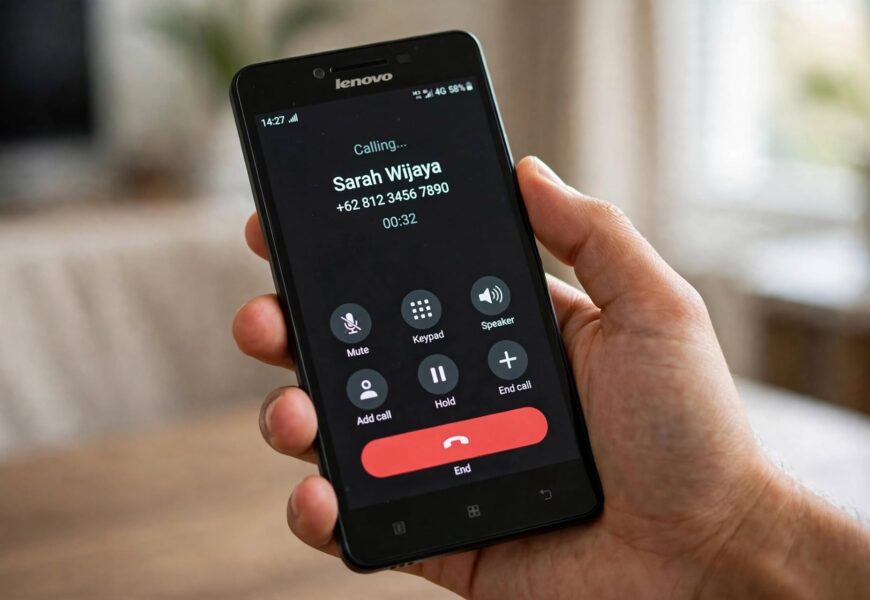
If you’ve dropped a Jio SIM into a Lenovo A6000 and found that data works fine but calls just won’t go through, you’ve run into one of the most common Jio compatibility issues from this device generation. The short version: the A6000 supports Jio’s LTE data network, but it was never built with native VoLTE (Voice over LTE) support — which is what Jio relies on for calling — so getting voice calls working takes one extra step.
Quick Answer: The Lenovo A6000 does not have native VoLTE support, so it can’t make Jio voice calls the same way a fully VoLTE-compatible phone can. To activate Jio voice calling on this device, download and set up the Jio4GVoice app from the Play Store, which routes calls over Jio’s data network using RCS (Rich Communication Services) instead of requiring native VoLTE hardware support. Once installed and configured, the app lets you make and receive HD voice and video calls directly on your A6000.
Here’s exactly how to set it up, plus an alternative for users comfortable trying a more advanced fix.
Why the Lenovo A6000 Can’t Make Native Jio Calls
Jio operates as a VoLTE-only network for voice calls — unlike older networks that fall back to 2G or 3G for calling, Jio requires a phone’s hardware and software (specifically its baseband/modem firmware) to support VoLTE directly. The Lenovo A6000, released before VoLTE became a standard requirement in India, doesn’t have this built in at the firmware level for most units, even though its LTE radio otherwise supports Jio’s network band (Band 40) just fine for data.
This is why you’ll typically see data working immediately after inserting a Jio SIM into an A6000, while calls fail to connect or don’t appear as an option at all.
Step-by-Step: Setting Up Jio4GVoice on Lenovo A6000
- Confirm your Jio SIM is active for data at minimum — open a browser or app to check you have a working data connection before troubleshooting calls specifically.
- Open the Google Play Store on your Lenovo A6000 and search for “Jio4GVoice” (also sometimes listed as JioCall in newer app store listings).
- Download and install the app.
- Open Jio4GVoice and log in using your Jio mobile number — you’ll receive an OTP for verification.
- Grant all requested permissions, including contacts, microphone, and phone access, since the app needs these to place and receive calls properly.
- Enable Rich Call Service (RCS) in the app’s settings if prompted, which allows calls to route correctly over Jio’s network.
- Make a test call directly from within the Jio4GVoice app’s own dialer, rather than your phone’s default dialer, to confirm calling is working.
Once set up, most users find calls placed directly through the Jio4GVoice app connect reliably, even though the phone’s standard calling app may still show no signal or fail for Jio calls specifically.
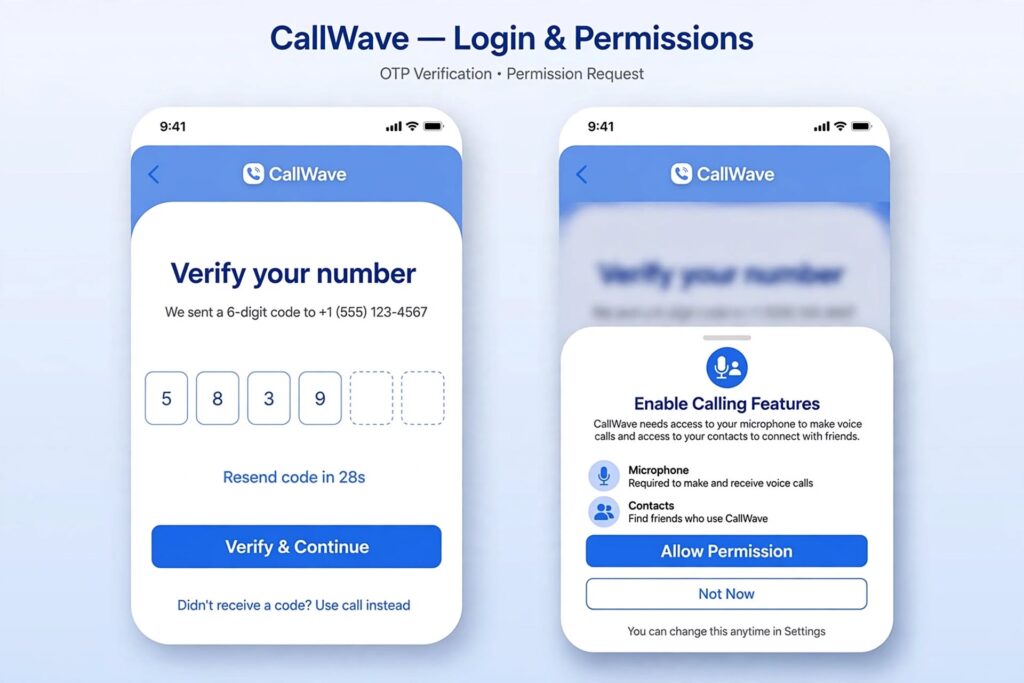
Logging in with your Jio number and granting the required permissions are the key setup steps for Jio4GVoice.
Alternative: Enabling Native VoLTE (Advanced Users Only)
Some Lenovo A6000 users have reported success enabling native VoLTE through community-developed methods shared on forums like XDA Developers, typically involving:
- Creating a custom APN profile specifically named “ims” with the type set to “ims” and protocol set to IPv4/v6
- Clearing the Jio4GVoice app’s data and cache, and in some cases deleting hidden app folders through a file manager
- In more involved cases, flashing a custom or Treble-supported ROM that includes proper VoLTE radio configuration
This approach carries real risk — it typically requires a rooted device, isn’t officially supported by Lenovo or Jio, and can potentially cause software issues if done incorrectly. For most users, sticking with the Jio4GVoice app is the safer, fully supported path to reliable calling on this device. According to a widely referenced XDA Forums guide, this kind of manual APN and app-cache fix is specifically intended for devices where VoLTE isn’t natively working, reinforcing that it’s a workaround rather than an official fix.
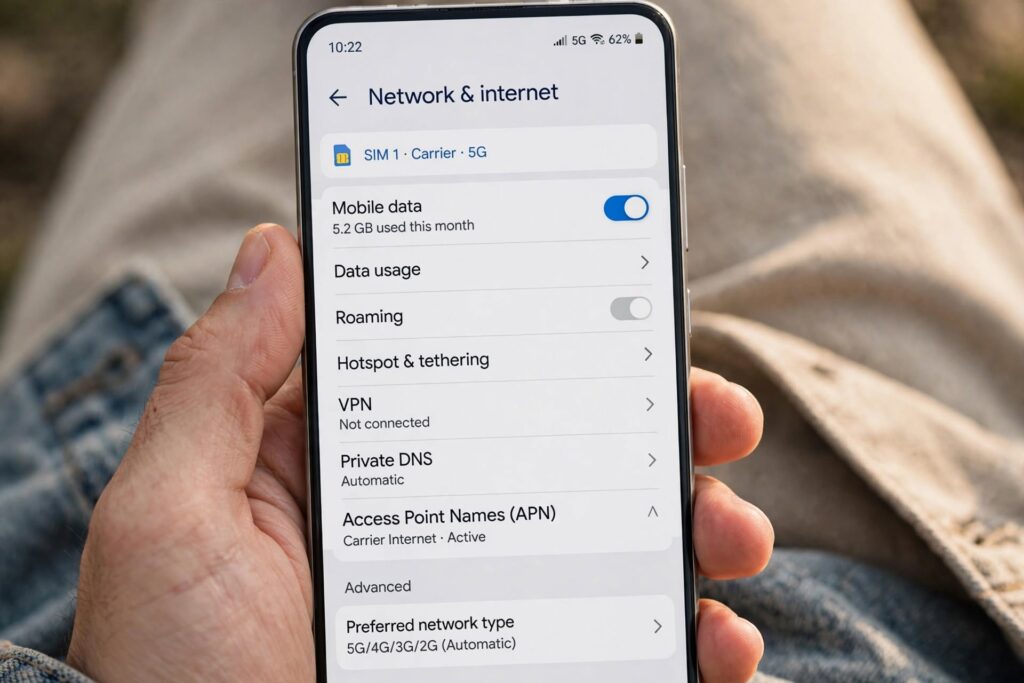
Advanced users sometimes create a custom APN profile as part of community workarounds to enable native VoLTE support.
Troubleshooting Common Issues
- Calls still not connecting through Jio4GVoice: Confirm your data connection is stable, and try clearing the app’s cache and data through your phone’s app settings, then log back in.
- App won’t let you log in: Double-check that the OTP is being sent to the correct number and that you have signal strength sufficient to receive SMS.
- Calls connect but with poor quality: This is often related to weak data signal rather than the app itself, since call quality through Jio4GVoice depends on your data connection strength.
- Contacts aren’t showing up in the app: Make sure you’ve granted the Jio4GVoice app permission to access your phone’s contacts in your device’s app permission settings.
If your Jio SIM itself seems to be the underlying problem rather than the phone’s calling setup, our guide on how to keep your Jio SIM active without recharge is worth checking to rule out a deactivated or low-balance SIM as the real cause.
Frequently Asked Questions
Why can’t I make calls on Jio with my Lenovo A6000?
The Lenovo A6000 doesn’t have native VoLTE support, which Jio requires for voice calls. Data works because the phone’s LTE radio supports Jio’s network band, but calling needs the Jio4GVoice app to work around the missing VoLTE hardware/software support.
Is Jio4GVoice free to use?
Yes, Jio4GVoice is a free app available on the Google Play Store, and using it to make calls over your Jio data connection doesn’t carry a separate charge beyond your regular data usage.
Can I use my phone’s normal dialer for Jio calls after installing Jio4GVoice?
In most cases, no — calls typically need to be placed directly through the Jio4GVoice app’s own dialer for the call to route correctly, since the phone’s default dialer isn’t aware of the VoLTE workaround.
Does Jio4GVoice work for video calls too?
Yes, Jio4GVoice supports HD video calling in addition to voice calls, along with features like photo sharing and RCS-based messaging.
Is there a permanent fix instead of using an app for every call?
Some users have successfully enabled native VoLTE through unofficial firmware and APN configuration workarounds shared in developer communities, but these require a rooted device and carry real risk of software issues, so most users find the Jio4GVoice app the more practical, fully supported solution.
Having other Jio setup issues? Check out our guides on activating voicemail on Jio and getting 1GB free data on Jio, or browse more Jio tips on Jio Near Me.
