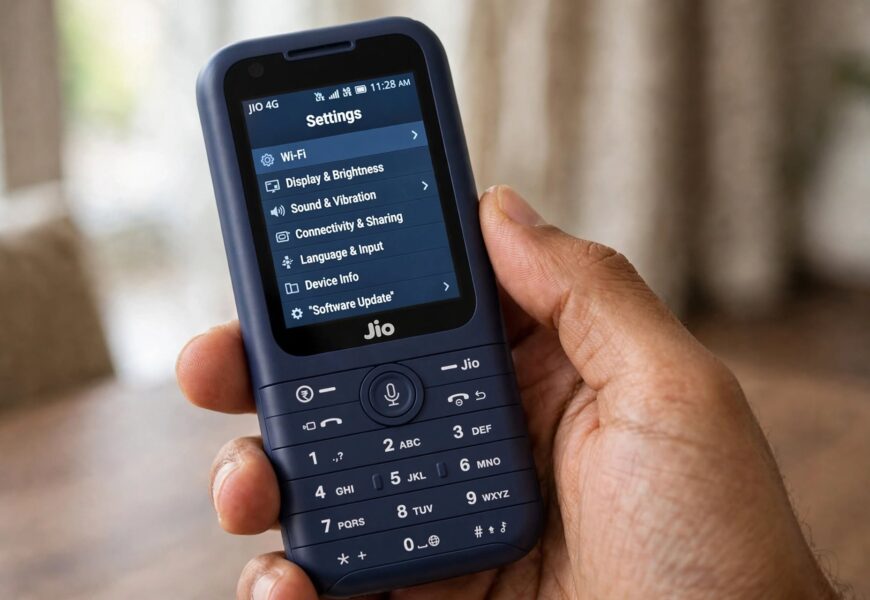
Before getting into the steps, it’s worth being upfront about something most guides on this topic don’t mention: JioPhone’s version of Google Assistant was never able to switch between the colored voice options (Red, Green, Orange, Cyan, and so on) that full Android phones offer, and Google has since officially discontinued Assistant support for KaiOS devices like JioPhone altogether. Here’s what actually was, and currently is, possible.
Quick Answer: JioPhone runs a lightweight, customized version of Google Assistant built specifically for its KaiOS operating system and small screen, which never included the full voice-selection menu (“Assistant voice & sounds”) available on Android smartphones. The closest thing to changing its “voice” was switching the spoken language (for example, between Hindi and English) rather than picking a different voice actor or tone. Additionally, according to KaiOS’s own documentation, Google officially ended Assistant support for KaiOS devices launched after July 1, 2021, and ended support for all other KaiOS devices on June 30, 2022 — meaning Google Assistant functionality, including any language settings, may no longer work reliably on JioPhone units today.
Why JioPhone Never Had the Full Voice Selection Menu
When Google first brought Assistant to JioPhone in 2017, it was a genuinely notable move — JioPhone was one of the first feature phones anywhere to get a voice assistant at all. But to fit Assistant onto a 2.4-inch QVGA display with no touchscreen, Google had to build a simplified, customized version of the app rather than porting over the full smartphone experience.
That simplified build focused on core functions — placing calls, opening apps, searching the web, adjusting settings — rather than replicating every feature and settings menu found on Android, including the color-coded voice picker most smartphone users are familiar with.
What You Could Actually Change: Language, Not Voice Color
The one form of voice customization that was genuinely available on JioPhone was the spoken language setting, which indirectly changes the accent and tone of the responses:
- Trigger Google Assistant on your JioPhone (typically by pressing and holding the Home button).
- Say a command like “Ok Google, Hindi bolo” (“speak in Hindi”) to switch the Assistant’s spoken language to Hindi.
- Say “Ok Google, speak in English” to switch back to English.
- Depending on your software version, additional Indian languages (Marathi, Kannada, Tamil, Telugu, Bengali, Gujarati, Malayalam) may also have been supported through the same voice-command method, following Google’s 2019 update expanding Assistant’s language support across Android, Android Go, and KaiOS devices.
This changes the language and accent of the responses, but it’s not the same as selecting a different named voice option the way you can on a full Android phone or through the Google Home app.
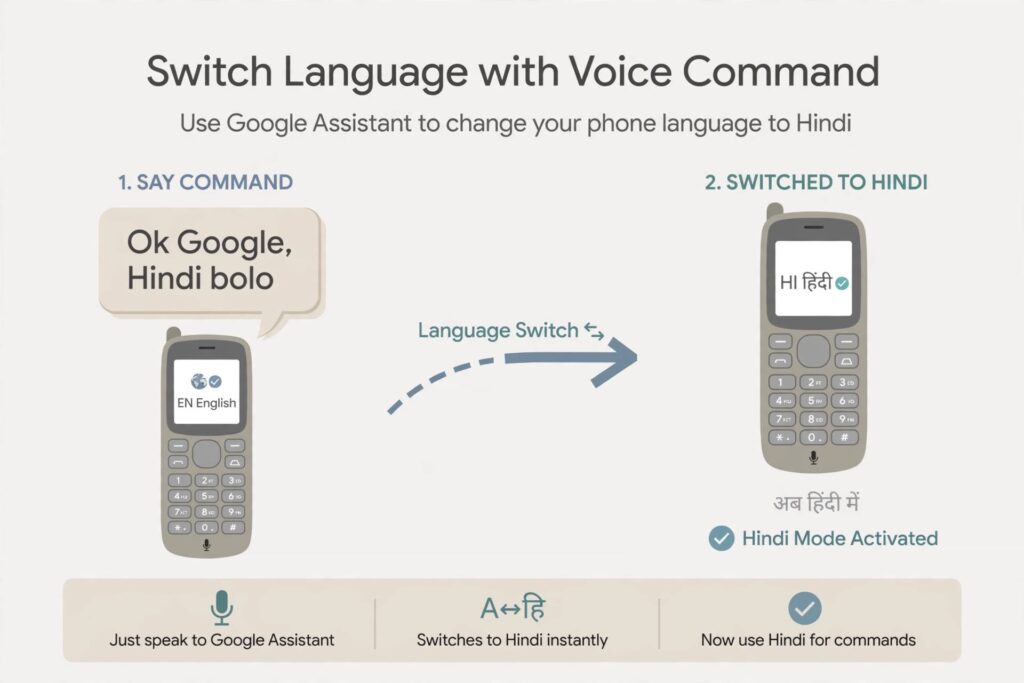
Saying a command like “Ok Google, Hindi bolo” was the closest thing to a voice change available on JioPhone.
Important: Google Assistant Support on KaiOS Has Been Discontinued
This is the part worth taking seriously if you’re troubleshooting a JioPhone today. According to KaiOS’s own official documentation, Google Assistant functionality was discontinued for KaiOS devices launched after July 1, 2021, and support for all remaining KaiOS devices ended on June 30, 2022. Separately, in 2021, Google had already removed the ability to make calls and send text messages via voice command on KaiOS devices, restricting Assistant to more basic functions like opening apps and adjusting settings even before that full discontinuation date.
In practical terms, this means:
- If your JioPhone was manufactured or updated after these cutoff dates, Google Assistant may not function at all, regardless of any settings you try to change.
- Even on older JioPhone units where Assistant still technically responds, its functionality — and any language or voice-related settings — may behave inconsistently, since Google is no longer actively maintaining or updating the KaiOS integration.
- This is not a bug specific to your device; it reflects a broader platform-level change made by Google, not something a settings adjustment or software update can fully restore.
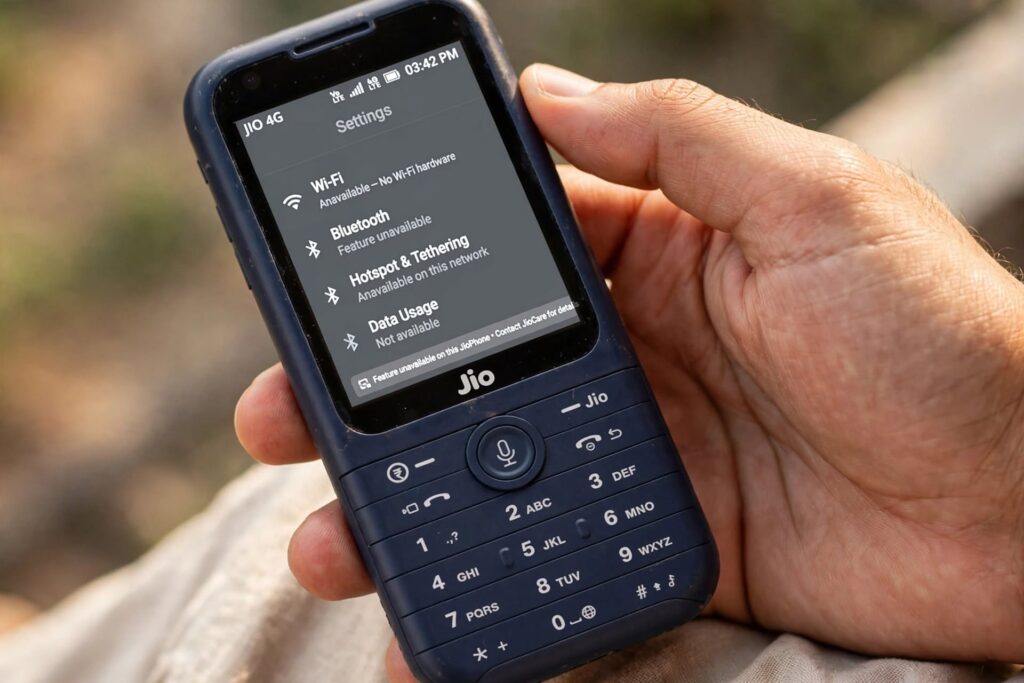
Google officially ended Assistant support for KaiOS devices, which can affect voice and language-related functionality on older JioPhone units.
What to Try If Voice Commands Aren’t Working at All
Since the underlying platform support has changed, troubleshooting here looks a little different than a typical app glitch:
- Check for a JioPhone software update through Settings, since Jio and KaiOS occasionally push updates that adjust which built-in features remain available.
- Confirm your data connection is active, since any remaining Assistant functionality still requires internet access to process commands.
- Try the basic functions first — opening an app or adjusting volume — since these are more likely to still work than more advanced voice interactions.
- Don’t expect calling or texting by voice to return — this functionality was explicitly and permanently removed from KaiOS devices as part of Google’s platform changes, not a setting you can restore.
- Consider that intermittent behavior is expected rather than a sign something is wrong with your specific phone, since Google is no longer actively supporting this integration.
If your broader concern is with your Jio SIM or account rather than the phone’s software, our guide on how to keep your Jio SIM active without recharge covers a commonly related, separate issue worth ruling out.
Frequently Asked Questions
Can I choose a specific named voice (like on Android) for Google Assistant on JioPhone?
No. JioPhone’s version of Google Assistant was a simplified build for its KaiOS platform and never included the colored voice-selection menu found on full Android devices — the closest option was switching the spoken language.
Why isn’t Google Assistant working on my JioPhone anymore?
Google officially discontinued Assistant support for KaiOS devices launched after July 1, 2021, and ended support for all remaining KaiOS devices on June 30, 2022. If your device or software falls into that window, reduced or non-functioning Assistant behavior is expected, not a fixable bug.
Can I still make calls using voice commands on JioPhone?
No. Google removed the ability to place calls and send text messages via voice command on KaiOS devices in 2021, prior to the full Assistant discontinuation. Calls and texts now need to be done manually.
How do I change the Assistant’s language on JioPhone?
Try saying a command like “Ok Google, Hindi bolo” to switch to Hindi, or “Ok Google, speak in English” to switch back — though this may no longer function reliably depending on your device’s software version and Google’s current support status.
Is there an alternative voice assistant on JioPhone?
JioPhone originally included its own native assistant called HelloJio alongside Google Assistant, which may still offer basic functionality independent of Google’s KaiOS support changes, depending on your specific device and software version.
Having other issues with your JioPhone or Jio account? Check out our guides on how to keep your Jio SIM active without recharge and activating voice command on your JioPhone, or browse more Jio tips on Jio Near Me.
