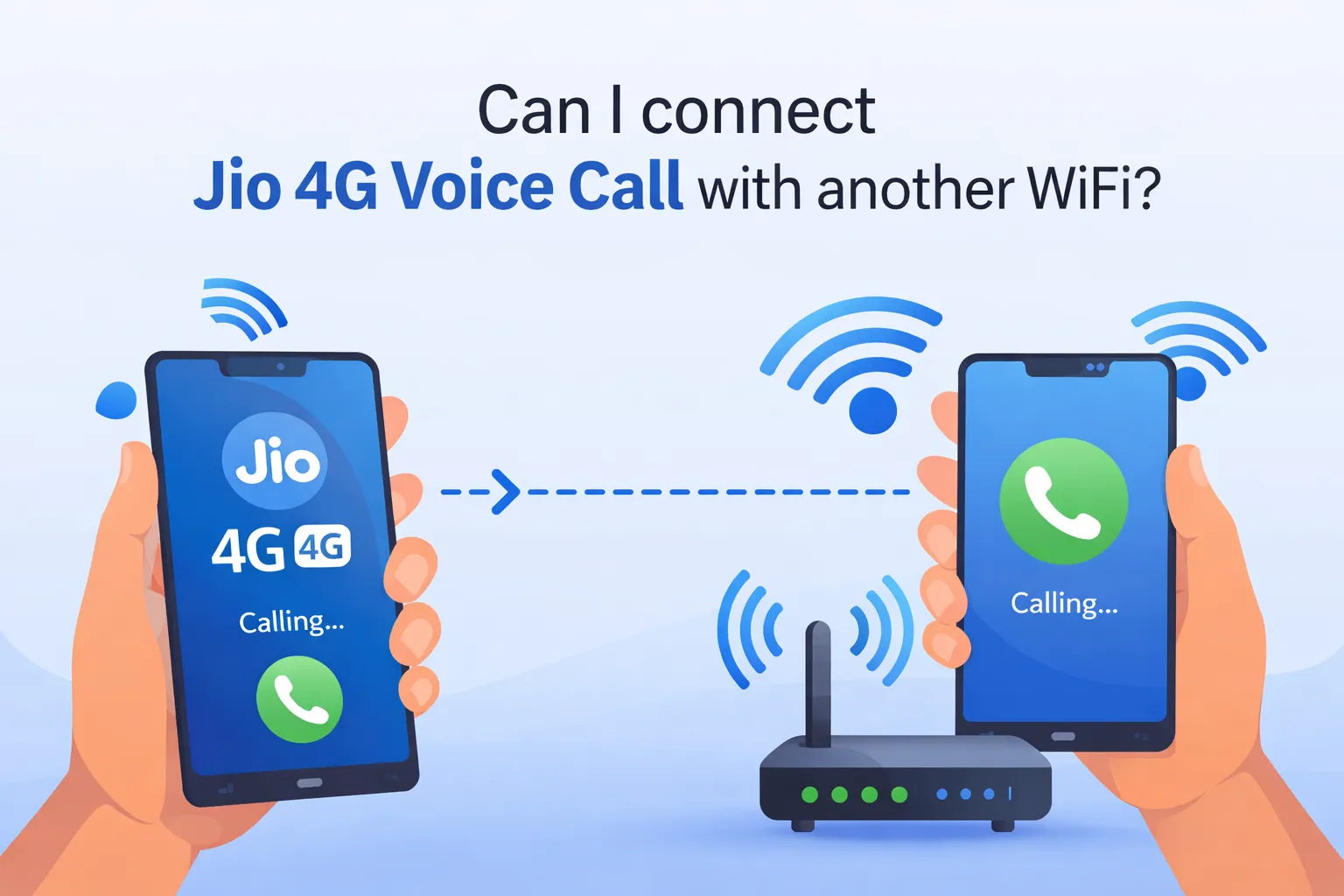
Have you ever been stuck in a basement, elevator, or a village where your Jio 4G signal is zero but the WiFi is strong? You want to make a normal voice call from your Jio number, not WhatsApp or any app. The big question is: Can you connect your Jio 4G voice call to another WiFi network?
The short and sweet answer is YES. Jio officially supports WiFi Calling (also called VoWiFi). This feature lets you make and receive crystal-clear voice calls using your regular Jio number over any WiFi connection – home WiFi, office WiFi, hotel WiFi, even public hotspots. No extra apps, no extra charges, and it works all over India.
Let me explain everything in simple words so you can try it today.
What Exactly is Jio WiFi Calling?
Normal Jio 4G voice calls use VoLTE (Voice over LTE). They travel through Jio’s mobile towers. But when you turn on WiFi Calling, your phone switches the call route to the internet through WiFi.
Your phone still shows your Jio number on the caller ID. The other person sees your Jio number. The call quality is usually HD and very clear if your WiFi is good. It’s not like using WhatsApp or Truecaller – it’s your real Jio voice call, just riding on WiFi instead of mobile data.
Best part? It’s completely free if you already have an active voice plan. You don’t pay extra, and incoming calls are also free.
Do You Need Anything Special?
Not much! Here’s the simple checklist:
- A Jio SIM with an active voice plan (prepaid or postpaid).
- A phone that supports WiFi Calling (most smartphones made after 2018 do – Samsung, OnePlus, Xiaomi, Realme, iPhone XS and above, etc.).
- Stable WiFi connection (any network, not just Jio).
Jio has a full list of supported phones on their website. If your phone is listed, you’re good to go. Even many 4G phones that aren’t 5G-ready support this. Also check our article on Can i install jio voice call from airtel network?
How to Turn On Jio WiFi Calling (Step-by-Step)
It takes less than 30 seconds.
For Android phones (Samsung, Xiaomi, Realme, etc.):
- Open Settings.
- Go to Connections or Mobile Network (or search “WiFi Calling”).
- Tap on your Jio SIM.
- Toggle WiFi Calling ON.
- Connect to any WiFi network.
For iPhone:
- Go to Settings > Cellular (or Mobile Data).
- Tap your Jio line.
- Turn on WiFi Calling on This iPhone.
Pro tip: Keep both VoLTE and WiFi Calling turned on together. Your phone will automatically choose the best connection – if mobile signal is strong, it uses 4G; if not, it jumps to WiFi.
Once enabled, you’ll see “WiFi” or “Jio WiFi” next to the signal bars when you’re on a call.
Any Tricks or Extra Methods?
The official way is the best and simplest. But here are a few smart tricks people use:
- Airplane Mode Trick: If WiFi Calling doesn’t connect automatically, turn on Airplane Mode, then turn only WiFi back on. Many users say this forces the phone to use WiFi fully.
- For older phones that don’t support native WiFi Calling: Download the JioCall app (earlier called Jio4GVoice). It was originally made for JioFi routers but still works in some cases for voice over WiFi. However, native WiFi Calling is much smoother.
- Battery saver tip: WiFi Calling uses less battery than hunting for weak mobile signal.
- Dual SIM users: Make sure WiFi Calling is enabled only for the Jio SIM.
- International travel: In India it’s free, but abroad you may need a special pack (check MyJio app).
No complicated VPNs or third-party hacks needed. Jio made it straightforward on purpose.
I Tried This – My Real Experience
Last month I was visiting my uncle’s old house in a small town. Jio signal was almost zero inside the thick walls – I couldn’t even send an SMS. But they had a good Airtel fiber WiFi.
I thought, “Let me test this WiFi Calling thing everyone talks about.” I opened settings on my Samsung phone, turned on WiFi Calling, connected to their WiFi, and called my wife. The call connected instantly! Voice was super clear, no drops, and she saw my Jio number. I stayed on the call for 15 minutes while walking around the house. Zero mobile signal, full WiFi magic.
Later I tried in my car basement parking – same result. It saved me so many times when I was in lifts or dead zones. The only time it felt slightly different was when the WiFi was very slow, but even then the call didn’t drop. Honestly, I now keep WiFi Calling always on at home. It feels like Jio gave us a superpower for weak signal areas.
Benefits and When You Should Use It
- Perfect for villages, basements, big malls, or offices with poor mobile coverage.
- Saves battery because your phone isn’t struggling for signal.
- Works even if you have zero Jio bars.
- Same call rates as normal – no data charges for the call itself.
Just remember: You still need internet data from WiFi for the call to work. If your WiFi is down, it falls back to normal 4G.
Final Words
So yes, you can connect your Jio 4G voice call with another WiFi. It’s not a secret trick – it’s an official Jio feature called WiFi Calling that millions are already using. Just enable it once in settings and forget about weak signals forever.
Next time you’re in a no-signal zone but have WiFi, don’t panic. Pick up your phone, turn on WiFi Calling, and call normally. It feels like magic the first time!
If your phone doesn’t show the option, check Jio’s website for handset compatibility or update your phone software. That’s it – stay connected, always.
Also check our article on How to Activate Voicemail on Jio
