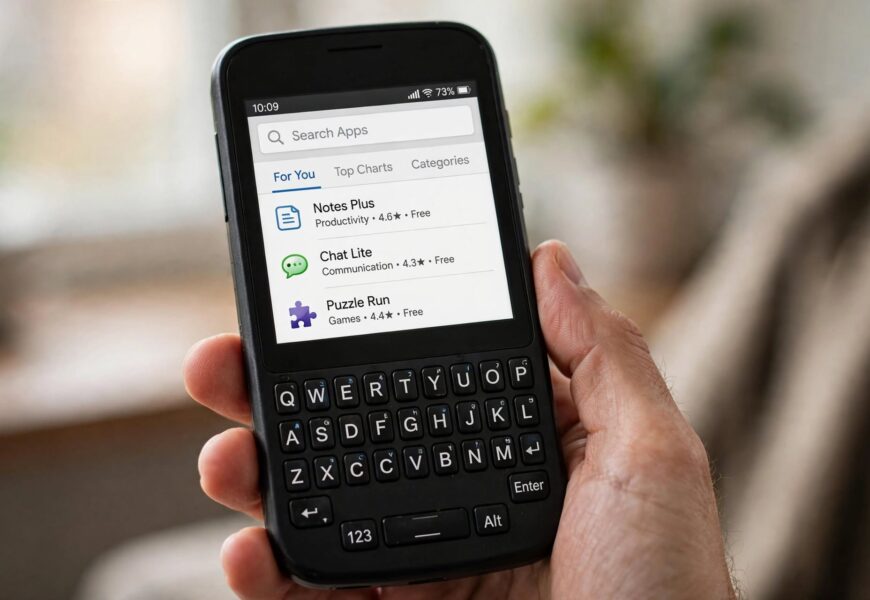
Before walking through the steps, it’s worth being upfront about something most guides on this topic skip: the BlackBerry Classic runs BlackBerry 10 (BB10), not Android, and it has no native VoLTE hardware. Jio4GVoice is built exclusively for Android and iOS. That combination means you can technically get the app’s installer file onto a Classic, but a large share of users who’ve tried it report the app either won’t open properly, gets stuck asking for a Jio SIM it can already see, or refuses to place calls at all — even after installing successfully. This guide covers exactly how to attempt the install, and honestly, what to expect once it’s on the phone.
Quick answer: The BlackBerry Classic doesn’t have Google Play Store, so Jio4GVoice must be sideloaded through the Amazon Appstore (built into BB10) or installed manually as an APK file. Even after installing, calling reliability is inconsistent because the Classic lacks the VoLTE radio the app is designed to work around — so data and messaging features tend to work better than voice calling itself.
Why This Isn’t a Straightforward Install
Jio’s entire network runs on VoLTE — there’s no fallback 2G/3G Jio voice network to drop back to. The Jio4GVoice app exists specifically to let non-VoLTE Android phones fake VoLTE calling over a data connection. BB10 devices like the Classic run Android apps through a compatibility layer (Android Runtime), which handles simple apps reasonably well but often struggles with apps like Jio4GVoice that need deep access to the phone’s dialer, SIM, and telephony stack. That’s the root cause of most install and calling failures reported by Classic owners.
Method 1: Install via Amazon Appstore (Easiest, Most Reliable)
- On your BlackBerry Classic, open the Amazon Appstore app — it comes preinstalled on BB10 devices.
- Sign in with (or create) an Amazon account if you haven’t already.
- Search for “Jio4GVoice” in the Appstore search bar.
- If it appears in results, tap Download. Availability varies by region and Amazon Appstore catalog updates, so it isn’t guaranteed to show up.
- Once installed, open the app from your app drawer and grant every permission it asks for — Phone, Contacts, SMS, and Microphone. Denying any of these is the single most common reason the app fails to register.
- Enter your Jio number and verify the OTP sent to your SIM.
If Jio4GVoice doesn’t appear in the Amazon Appstore search results at all, move to Method 2.
Method 2: Sideload the APK Manually
- On a computer or another phone, download the Jio4GVoice APK file from a trusted APK repository (avoid random third-party sites — stick to well-known, widely mirrored sources).
- Transfer the APK file to your BlackBerry Classic via USB cable, or upload it to cloud storage and download it directly on the Classic.
- Open Settings → Security and Privacy → Application Permissions on the Classic and make sure installation from unknown/untrusted sources isn’t blocked.
- Use the built-in File Manager app to locate the APK file and tap it to begin installation.
- Once installed, open the app and complete the same permission and OTP steps as in Method 1.
Manually sideloading the APK is the backup method when the app isn’t available in the Amazon Appstore.
What Happens After Installation (Set Expectations Here)
This is the part worth reading before you spend twenty minutes sideloading: even a successful install doesn’t guarantee working calls.
- Data and Jio apps generally work fine — the Classic’s LTE radio handles Jio’s data network without issue.
- Voice calling through Jio4GVoice is unreliable on BB10. Many users report the app repeatedly prompting to “insert a Jio SIM or connect to JioFi” even when a valid Jio SIM is already active, because the app can’t read telephony details the same way it does on native Android.
- Calls that do connect often drop or fail to ring on the other end, since the Android Runtime layer doesn’t give Jio4GVoice full access to the dialer stack the way it expects.
- The most consistent workaround owners report is pairing the Classic with a JioFi hotspot device instead of a direct Jio SIM — routing calls over the JioFi’s own connection rather than relying on the Classic’s SIM slot directly tends to be more stable.
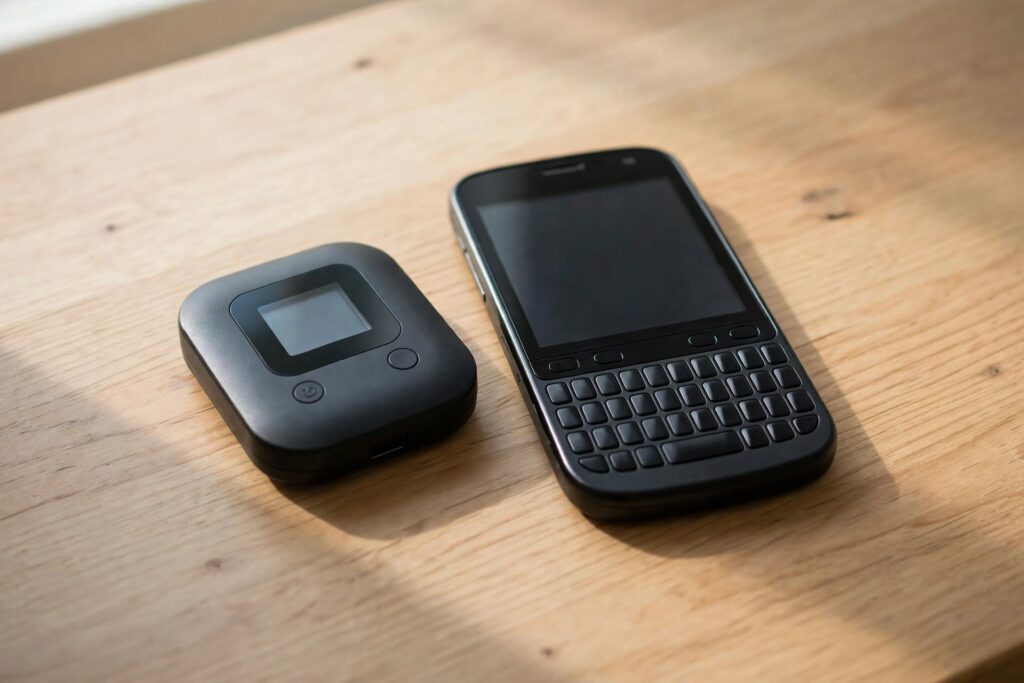
Pairing with a JioFi hotspot tends to be more reliable than relying on the Classic’s own SIM slot for Jio calling.
If reliable Jio Voice calling is the priority rather than a proof-of-concept, a modern Android device with native VoLTE support will get you working HD calling in minutes with none of this sideloading — see our guide on configuring Jio Voice on Samsung Galaxy for what that setup looks like on supported hardware.
Frequently Asked Questions
Can I download Jio4GVoice from the Google Play Store on a BlackBerry Classic?
No. The BlackBerry Classic doesn’t run Google Play Store since it uses BlackBerry 10, not Android. You have to sideload the app through the built-in Amazon Appstore or install the APK file manually.
Does BlackBerry Classic support Jio VoLTE calling?
No. The Classic doesn’t have the VoLTE radio hardware Jio’s network requires, and BlackBerry never released a VoLTE update for BB10 devices, so calls can’t register on Jio’s network the way they would on a native VoLTE phone.
Why does Jio4GVoice keep asking to insert a Jio SIM even though one is installed?
This is a known issue on BB10 devices running Android apps through the Android Runtime compatibility layer — the app can’t always read SIM and telephony information the same way it does on real Android hardware, which triggers this prompt even with a valid SIM inserted.
Is there a better way to use Jio on a BlackBerry Classic?
Pairing the Classic with a JioFi hotspot device tends to be more reliable than relying on the Classic’s own SIM slot for Jio4GVoice, since it routes calls and data through the JioFi’s connection instead of the phone’s limited telephony stack.
Should I buy a BlackBerry Classic specifically for Jio calling in 2026?
No. The Classic was discontinued years ago and was never VoLTE-certified for Jio, so any Android phone with official VoLTE support will give you a far more reliable calling experience with a fraction of the setup effort.
Related Jio Voice Guides
- How to Configure Jio Voice on Samsung Galaxy (VoLTE & Jio4GVoice Setup)
- How to Activate Jio Voice Call on Lenovo A6000 (Full Guide)
- How to Check Net Balance in Jio (Including Jio4GVoice Users)
You can browse the Amazon Appstore directly to check current app availability before attempting a sideload.
The Bottom Line
You can get the Jio4GVoice installer onto a BlackBerry Classic through the Amazon Appstore or a manually sideloaded APK, but the phone’s lack of native VoLTE support means calling reliability is genuinely hit-or-miss once it’s installed. If you’re keeping the Classic for its keyboard and don’t mind data-only Jio usage, it’s workable. If dependable Jio Voice calling matters more than the hardware, a VoLTE-certified Android phone will save you the troubleshooting. Traveling with data-heavy needs alongside your existing number either way? An India eSIM data plan can run on a separate device without touching your Jio SIM setup at all.
